A3.2.2
Construct ERDs
An ERD (Entity Relationship Diagram) shows: entities attributes relationships cardinality modality ERDs are used to design a relational database before…
- An ERD (Entity Relationship Diagram) shows:
- entities
- attributes
- relationships
- cardinality
- modality
- ERDs are used to design a relational database before building the tables.
- Steps to construct an ERD:
- Identify the level required:
- conceptual
- logical
- physical
- Identify the entities
- Identify the attributes for each entity
- Identify the relationships between entities
- Identify the cardinality:
- one-to-one
- one-to-many
- many-to-many
- Identify the modality:
- optional
- mandatory
- Identify the level required:
- Example:
Studentenrolls inClass- one student can enroll in many classes
- one class can contain many students
- this is a many-to-many relationship
- in a relational database, this usually needs a linking table such as
Enrollment
Worked ERD example
- Scenario:
- a school stores students and classes
- each student can join many classes
- each class can contain many students
- Entities:
StudentStudentIDName
ClassClassIDClassName
EnrollmentStudentIDClassID
- Relationships:
- one
Studentcan appear in manyEnrollmentrecords - one
Classcan appear in manyEnrollmentrecords Enrollmentresolves the many-to-many relationship betweenStudentandClass
- one
- Cardinality:
Student 1 : many EnrollmentClass 1 : many Enrollment
- Modality:
- a student may exist before enrolling in a class, so participation in
Enrollmentcan be optional - a class may exist before any student joins it, so participation can also be optional
- a student may exist before enrolling in a class, so participation in
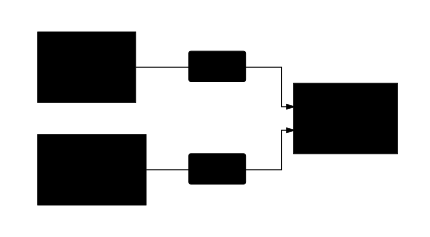 A visual trace of the relationships described in this objective.
- Exam-style text description of the ERD:
Student(StudentID, Name)Class(ClassID, ClassName)Enrollment(StudentID, ClassID)- one
Studentcan appear in manyEnrollmentrecords - one
Classcan appear in manyEnrollmentrecords - therefore
StudentandClasshave a many-to-many relationship resolved byEnrollment